
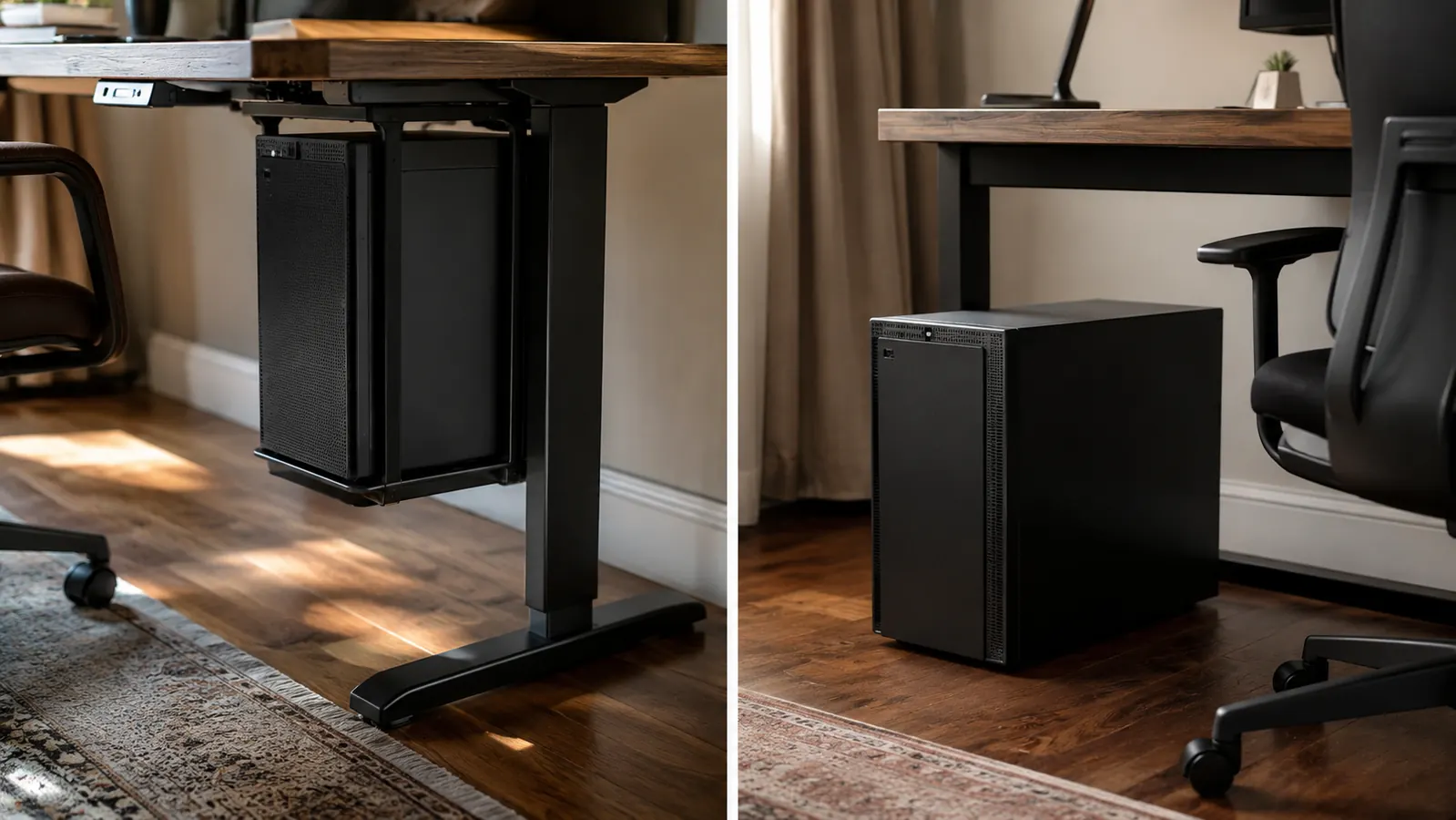
I get asked some version of this question almost every time I set up a new home office for a client here in Columbus: do you actually need to mount the computer tower under the desk, or is that just a nice-to-have? Short answer, it depends on your floor space and how much your knees hate bumping into a case forty times a day. Longer answer is everything below, including where I think the VIVO CPU mount earns its keep and where it honestly doesn't.
This comparison is the VIVO under-desk CPU mount against the option most people default to without thinking about it, just leaving the tower on the floor next to the desk or under it, wherever it fits. I've installed the VIVO mount in probably fifteen client offices over the past two years, and I've also left plenty of towers exactly where they landed when a client didn't want to spend the extra time or money. Both approaches work. They just work differently, and the difference matters more than most people expect until they've lived with it for a few months.
Before I get into the table, it helps to know what actually changes day to day. This isn't a comparison between two products that both do the same job in different ways, like two office chairs. It's a comparison between doing something and doing nothing, and doing nothing has a cost too, it just shows up gradually instead of all at once. That's the part people underestimate when they're deciding whether $35 for the VIVO mount is worth it for their setup.
| VIVO CPU Mount | Floor-Standing Tower | |
|---|---|---|
| Upfront cost | Around $35 for the mount itself | No cost, tower just sits where it lands |
| Floor clearance | Full clearance, chair rolls freely underneath | Tower occupies floor space, often in the chair's rolling path |
| Dust and pet hair exposure | Raised off the floor, noticeably less buildup on intake vents | Sits at floor level where dust and pet hair settle fastest |
| Cable strain | Cables have consistent slack since the tower doesn't move | Cables get kicked, stepped on, or yanked when the tower shifts |
| Installation time | 20 to 40 minutes with a drill or clamp, depending on desk type | None, it's already there |
| Weight capacity | Holds up to 22 lbs, fits most mid-tower cases | No limit, but bigger towers eat more usable floor space |
| Cleaning ease | Vacuum and mop pass straight underneath, nothing to move | Have to shift the tower or vacuum around it every time |
| Best for | Small offices, shared spaces, anyone who rolls a chair around often | Large offices with dedicated floor space and no clearance issues |
Where the VIVO Mount Wins
The single biggest thing the VIVO mount does is give you back floor space, and in a lot of home offices that's more valuable than it sounds on paper. I set one up for a client last spring who was working out of a converted dining room, maybe seven feet of usable width between the desk and a bookshelf. Her tower had been sitting directly in the path her chair needed to roll. Once we mounted it, she had a clear lane to slide back and stand up without clipping the case with her ankle, which she'd been doing daily without really noticing until it stopped happening.
The second win is dust. Anything sitting directly on the floor pulls in more dust and pet hair through its intake fans than something raised twelve to eighteen inches up, and that's just physics, not a VIVO-specific claim. I've pulled the side panel off floor-standing towers in client offices and found a genuine hairball situation on the intake filter after eight or nine months. The same case type, mounted under a desk with the VIVO bracket, stayed noticeably cleaner over the same stretch. Less dust means the fans work less hard, which usually means a quieter machine and one less thing to clean out every quarter.
There's a third win that's smaller but still worth mentioning, which is cable longevity. A tower that never moves has cables that never get tugged, twisted, or stepped on. I've replaced more than a few frayed power cables and loose SATA connections over the years, almost always on towers that lived on the floor and got nudged around during cleaning or when someone shifted their chair too far back. Mount it once, wire it once, and you're mostly done adjusting cables for the life of the setup.
Where a Floor-Standing Tower Wins
I'm not going to pretend the floor is always the wrong answer. If you've got a dedicated office with real square footage and the tower sits off to the side where nobody's chair or feet ever go near it, mounting it under the desk buys you almost nothing. You're spending money and twenty to forty minutes of install time to solve a problem you don't actually have.
Floor-standing also wins on raw simplicity. Some desks, particularly glass-top or thin veneer models, aren't great candidates for a clamp-on mount without some careful measuring first. If your desk has an odd frame or very little clearance underneath, working with the floor as-is avoids any risk of a mount not fitting right. And if you're the type who upgrades or swaps components often, popping the side panel off a floor unit is marginally easier than doing it while the case is hanging off a bracket, though honestly the sliding tray on the VIVO mount handles that better than I expected the first time I used it.
There's also the case of full towers, not mid-towers, that run wider or heavier than the mount's rated range. If you're running a full-size case north of 25 lbs with a lot of internal storage bays, the floor is still the more practical spot for it. Trying to force an oversized case onto a bracket rated for something smaller isn't worth the risk to your desk or the mount.
Tired of Kicking Your Tower Every Time You Roll Your Chair Back?
The VIVO CPU mount gets your tower off the floor, out of the dust, and out of your chair's way. It holds up to 22 lbs and adjusts to fit most mid-tower cases. Check today's price on Amazon and see if it fits your desk.
Amazon Check Today's Price on Amazon →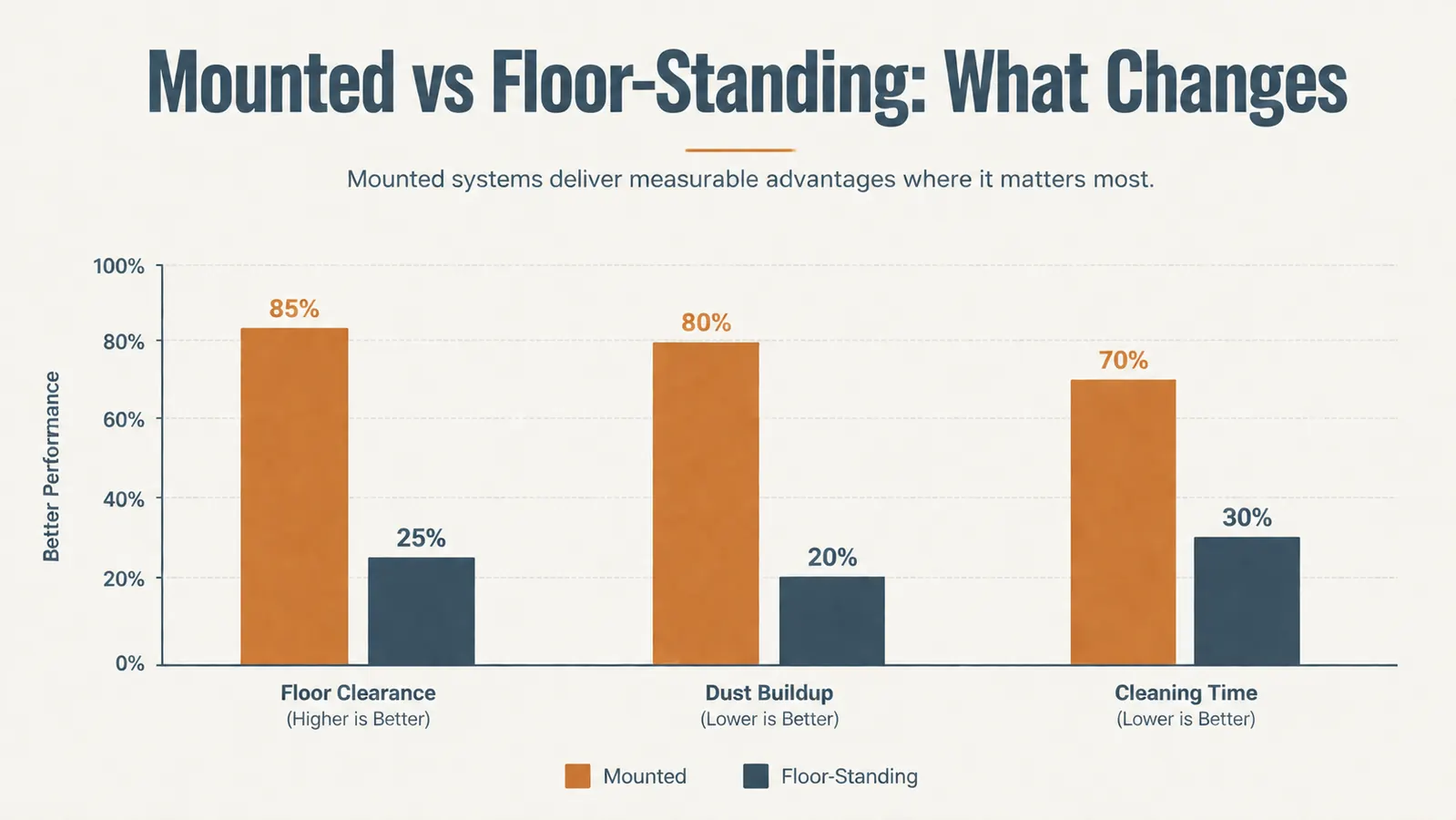
How the Install Actually Goes
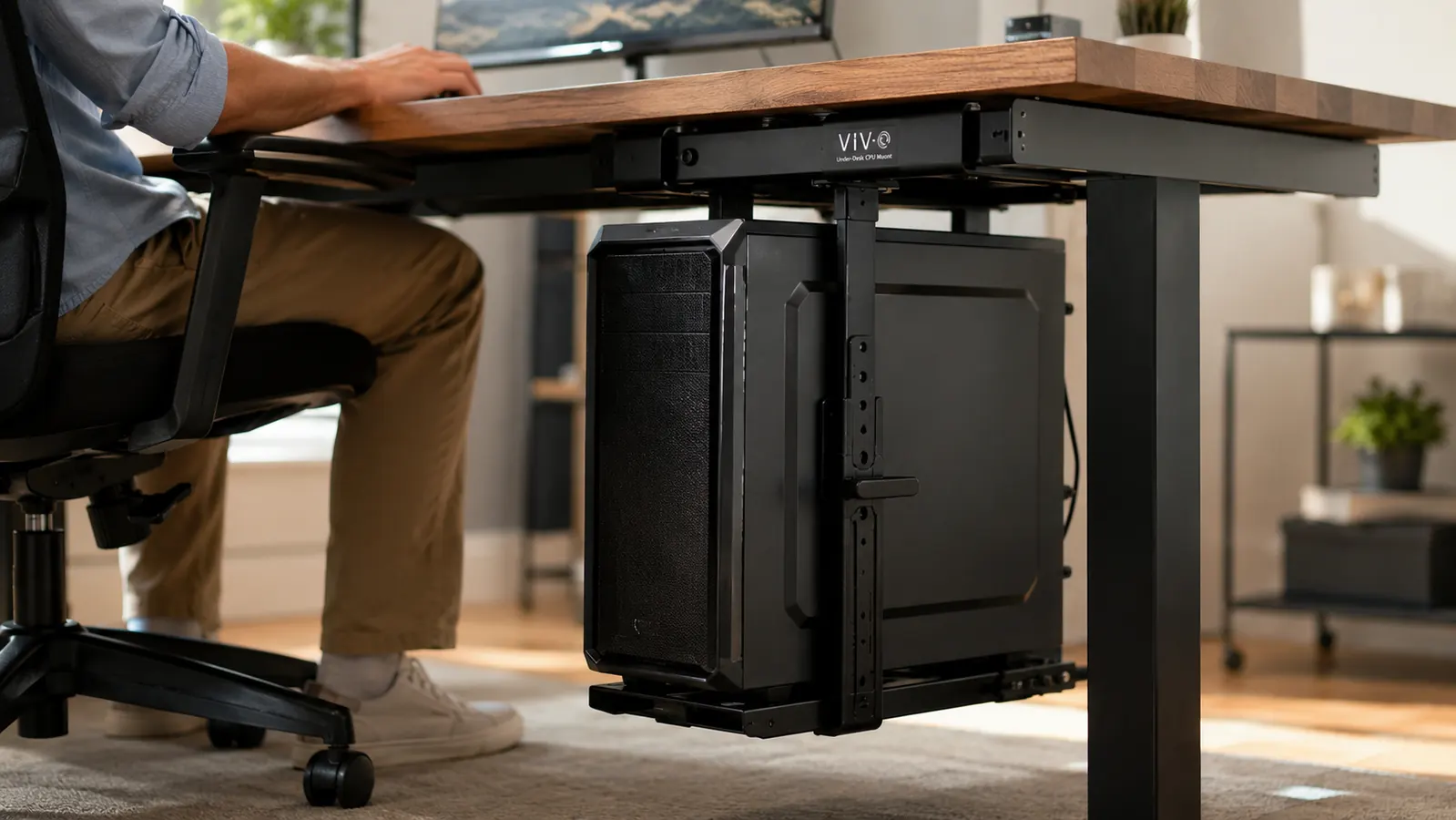
I've mounted the VIVO bracket on maybe fifteen different desks at this point, and the install itself is straightforward, though it's not zero effort. The adjustable arms expand from about 3.5 to 7.8 inches wide, so it fits most mid-tower cases without any modification. You've got a choice between screwing the mounting plate directly into the underside of the desk or using the clamp option if you'd rather not drill into the wood. I default to the clamp for clients renting their space or working with a desk they care about keeping intact, and it's held just as securely as the screw-in version across every install I've done. For anyone weighing that decision, I put together a full walkthrough on mounting a CPU under your desk that covers both methods step by step.
Once it's up, the tower sits on a sliding tray with a swivel base, so you can pull it out toward you for cable access or to hit the power button without crawling under the desk on your knees. That swivel feature is the part clients mention most after a few weeks of use. Nobody expects to like it as much as they end up liking it.
The one thing I always tell clients ahead of time is to measure their case before ordering anything, not after. Most mid-tower cases fall comfortably in the mount's 3.5 to 7.8 inch adjustable range, but if you're running something unusually wide, check the specs first rather than assuming. It's a five-minute step that saves a return shipment, and it's the single most common mistake I see people make when they order the VIVO mount without checking their case dimensions first.
A Quiet Difference Nobody Mentions
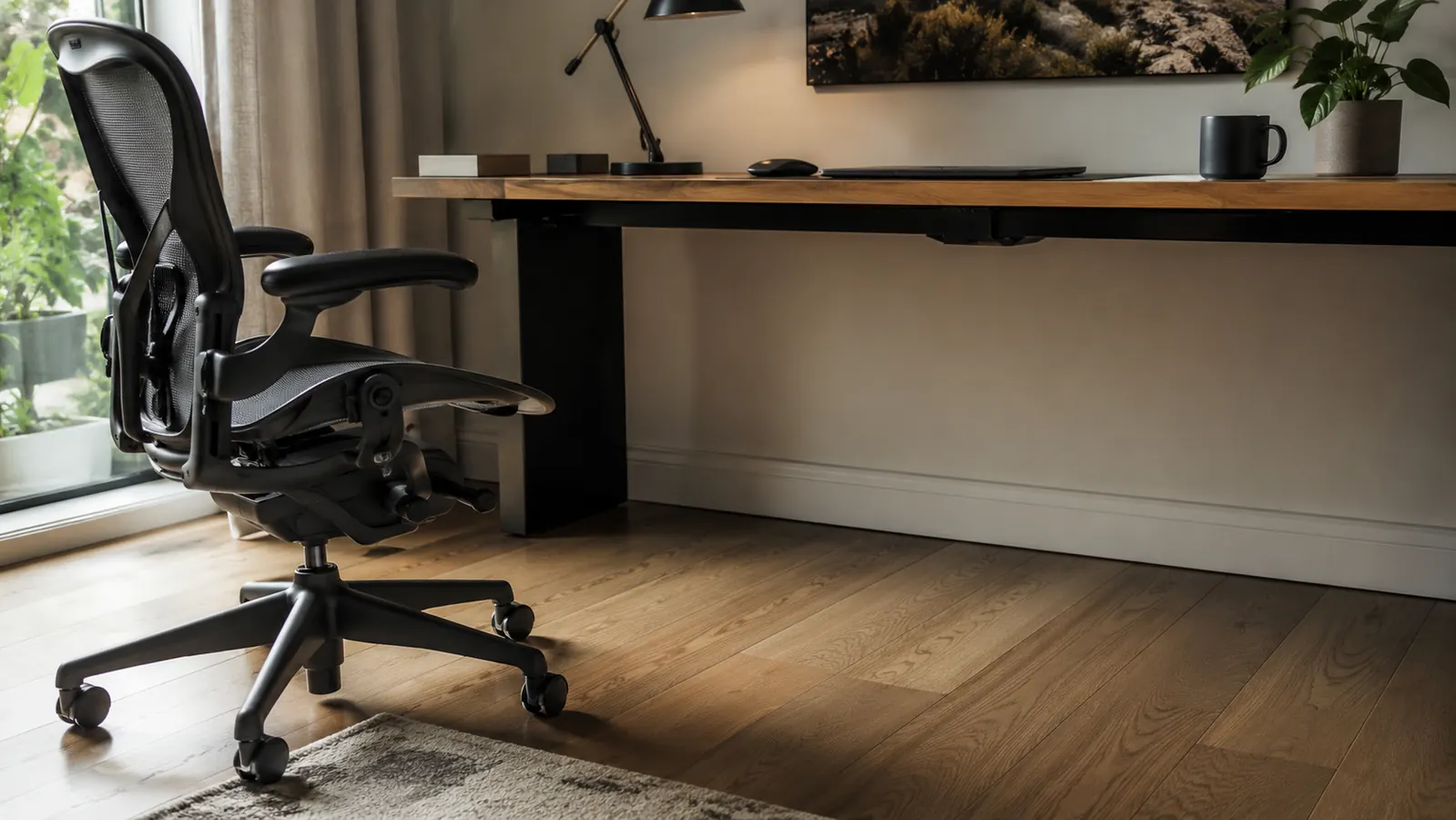
This one surprised me the first time a client pointed it out. When a tower sits on carpet or hardwood, the case vibration from the fans and drives has something solid to transmit through, and on a hard floor that can turn into a faint hum you stop noticing consciously but that still tires you out over an eight hour day. Mounted under the desk, hanging on a bracket rather than resting on a hard surface, that vibration has nowhere to travel. It's not a dramatic difference, but two separate clients have told me their office felt quieter after the switch, and neither one connected it to the mount until I explained what was happening.
It's a small thing on its own, but it stacks with the dust and clearance benefits into a setup that just feels more finished. None of these are individually dramatic changes. Together, over a few months of daily use, they add up to an office that's noticeably easier to live in.
Who Should Buy Which
If your office is on the smaller side, if you share the room with a pet that sheds, or if you've ever caught your chair wheel or your foot on the tower while working, the VIVO mount is worth the current price. It solves a specific, recurring annoyance rather than being a nice-to-have upgrade. I've written up more of the reasoning behind that recommendation in this rundown of why an under-desk CPU mount actually helps your day-to-day workflow, and if you want the longer version of how it's held up for me personally, I covered that in my long-term review after months of daily use.
If you've got a dedicated office with real floor space and the tower has never once been in your way, save the money and the install time. Leaving it on the floor isn't a mistake, it's just a different tradeoff, and for some setups it's the right one. The decision really comes down to how much your specific desk and floor plan are fighting you right now, not some universal rule about which option is objectively better.
My general rule after enough of these installs is simple. If you can picture the exact moment you last stubbed your toe or kicked the tower this week, get the mount. If you genuinely can't remember the last time it bothered you, your money's probably better spent somewhere else in the office.
See If the VIVO Mount Fits Your Desk
If floor space or dust buildup has been bugging you, this is the fix I recommend most often to clients. Check today's price on Amazon before you decide.
Amazon Check Today's Price on Amazon →